


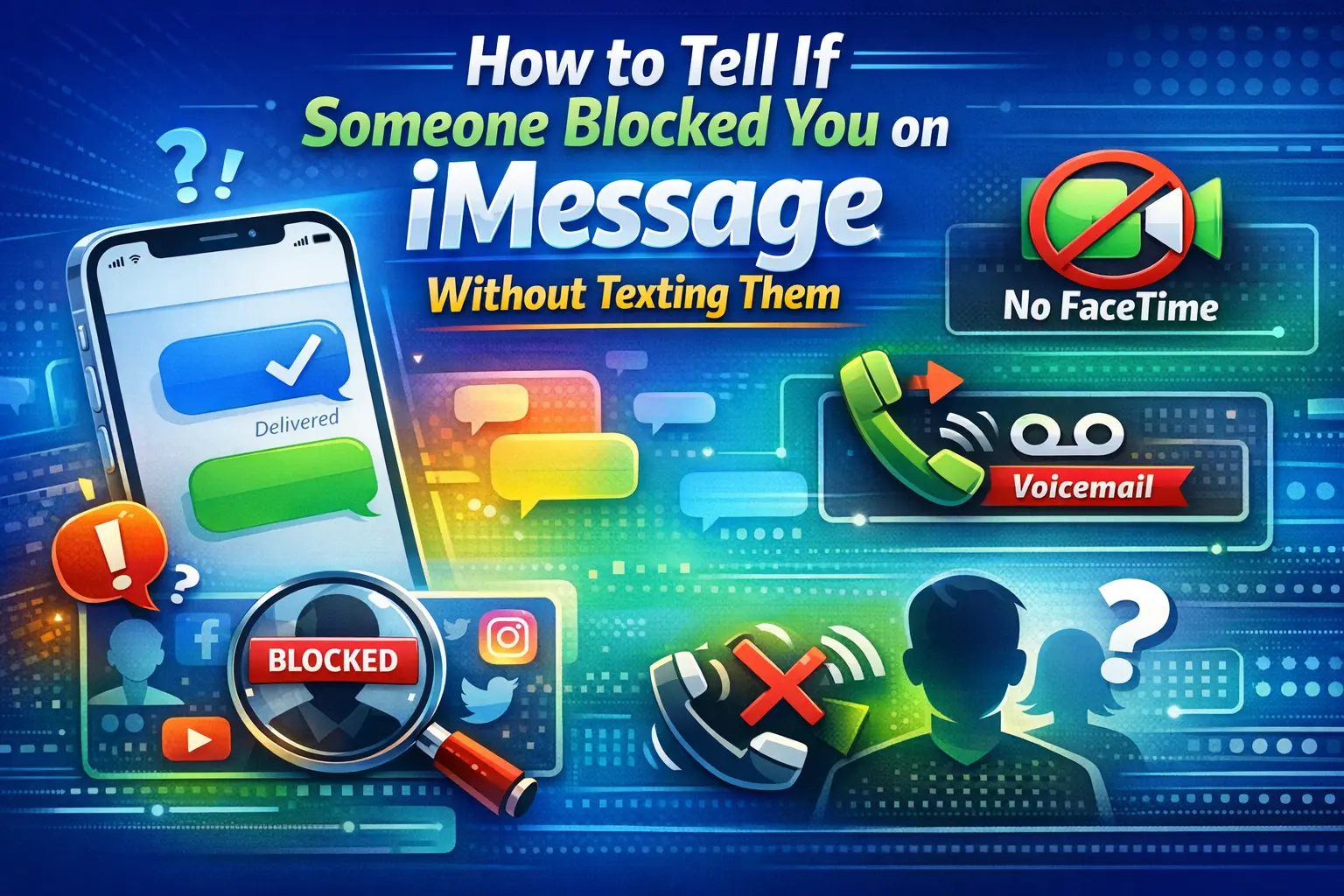
If you’re searching for how to tell if someone blocked you on imessage without texting them, you’re probably in an uncomfortable situation. Maybe messages stopped getting responses. Maybe calls feel different. Or maybe something just feels off.
The truth is simple but frustrating: Apple does not notify you when someone blocks you. There’s no pop-up, no alert, and no direct confirmation. However, there are behavioral patterns and technical signs that can help you piece together what might be happening.
In this detailed guide, you’ll learn exactly how to tell if someone blocked you on imessage without texting them by understanding call behavior, message indicators, FaceTime clues, and Apple’s privacy features that can sometimes mimic blocking.
Let’s break it down step by step.
Understanding How iMessage Blocking Actually Works
Before trying to decode signs, it’s important to understand what happens technically when someone blocks you on an iPhone.
When a person blocks your number:
- Your iMessages will not be delivered to their device.
- Your phone calls will not ring through.
- FaceTime calls will not connect.
- You will not receive any notification that you’ve been blocked.
From your side, everything appears normal at first. You can still send messages. You can still call. But the recipient will never see or hear those attempts.
That’s why people search for how to tell if someone blocked you on imessage without texting them — because there’s no obvious confirmation.
Can You Really Know for Sure Without Texting?
Here’s the honest answer: there is no 100% guaranteed way to confirm a block without sending a message or attempting contact.
However, you can analyze patterns. One isolated sign doesn’t mean you’re blocked. But multiple consistent signals together can strongly suggest it.
Instead of looking for one magic indicator, focus on behavior patterns across:
- Phone calls
- FaceTime attempts
- Existing message threads
- iMessage status changes
- Profile visibility
Let’s go deeper into each one.
Call Behavior: The Most Common Clue
One of the strongest indicators when researching how to tell if someone blocked you on imessage without texting them is call behavior.
Here’s what typically happens when someone blocks your number:
- Your call rings once (or not at all).
- It immediately goes to voicemail.
- This happens every single time you call.
Important detail: it must happen consistently.
If you call once and it goes to voicemail, that doesn’t mean you’re blocked. Their phone could be:
- Turned off
- In Airplane Mode
- In Do Not Disturb or Focus mode
- Out of service area
- Battery dead
But if it rings once and goes to voicemail repeatedly over multiple days, that pattern becomes more meaningful.
What About Calling From Another Number?
If you call from a different phone and it rings normally, but your number always goes straight to voicemail, that may suggest blocking.
However, be careful with assumptions. Network issues and carrier glitches can sometimes create similar patterns.
FaceTime Behavior: Another Silent Signal
FaceTime can provide additional clues.
When someone blocks you:
- Your FaceTime calls won’t connect.
- It may ring once briefly and then stop.
- You won’t receive a clear “blocked” notification.
Again, the key is consistency.
If FaceTime fails every time while other apps and calls work normally, it may align with other signs of blocking.
But remember: poor Wi-Fi, disabled FaceTime settings, or Focus mode can produce similar effects.
Checking Your Existing iMessage Thread
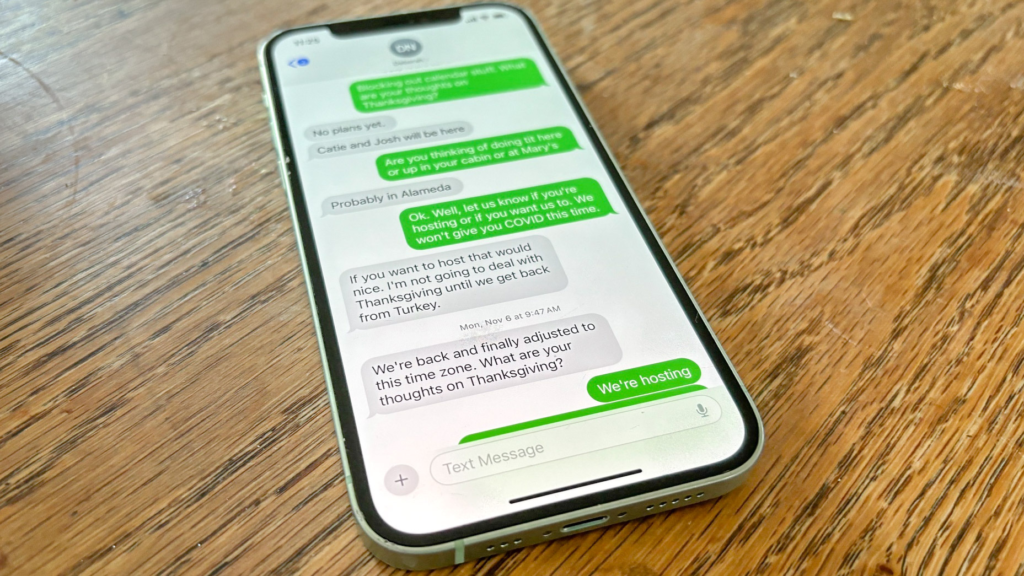
If you’re serious about understanding how to tell if someone blocked you on imessage without texting them, you should review your existing message history carefully.
Look at your last sent messages before communication stopped.
The “Delivered” Indicator
Normally, when you send an iMessage, you see:
Delivered
Or
Read
If you were blocked after sending a message, that message may still show “Delivered” because it reached them before the block.
But if you send a new message after being blocked, it will not show “Delivered.”
However, since you want to know without texting them, you’ll need to rely on older messages.
If your most recent message never showed Delivered and communication stopped abruptly, that might be a clue — but it is not definitive proof.
Blue vs Green Bubbles: What They Really Mean
Many people assume that if messages turn from blue to green, they’ve been blocked.
That’s not always true.
Blue bubbles mean:
- The message was sent via iMessage.
Green bubbles mean:
- The message was sent via SMS text message.
Messages can turn green for many reasons:
- The recipient turned off iMessage.
- They switched to Android.
- They temporarily lost internet access.
- Apple’s servers had a glitch.
So while a sudden switch from blue to green can raise questions, it is not reliable evidence of blocking.
If you’re researching how to tell if someone blocked you on imessage without texting them, do not rely solely on bubble color.
Focus Mode and Do Not Disturb Can Mislead You
Modern iPhones include Focus modes that can silence calls and notifications.
When someone has Focus mode enabled:
- Calls may go straight to voicemail.
- Messages may not show read receipts.
- Notifications are hidden.
This can look very similar to blocking.
That’s why context matters.
If the person recently mentioned being busy, traveling, or focusing on work, Focus mode may be the explanation.
Airplane Mode and Dead Battery Scenarios
Another common reason for sudden silence is a powered-off phone.
If their device is:
- Switched off
- Out of battery
- In Airplane mode
- Without cellular service
Your calls may go directly to voicemail.
If you’re trying to figure out how to tell if someone blocked you on imessage without texting them, you must rule out these temporary technical causes first.
Wait a day or two. If behavior stays the same consistently, then it may be more than just a dead battery.
What Happens to Voicemails When You’re Blocked?
Here’s something many people don’t know.
If someone blocks you and you leave a voicemail:
- It may go into a separate “Blocked Messages” section on their phone.
- They won’t receive a normal notification.
From your side, the voicemail seems to go through.
This makes voicemail unreliable as proof of anything.
Profile Photos and Contact Information Changes
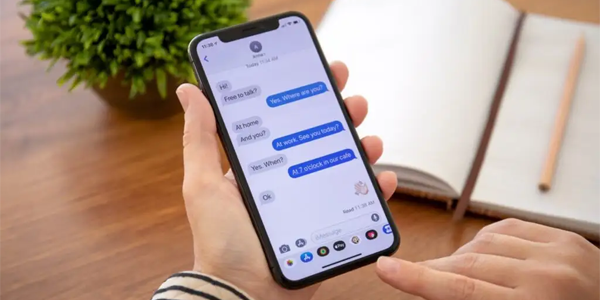
Some people look for clues in profile photos or contact updates.
If you previously saw their contact photo in iMessage and now it’s gone, does that mean you’re blocked?
Not necessarily.
They could have:
- Disabled contact photo sharing
- Changed privacy settings
- Deleted their photo
- Updated iCloud preferences
Apple’s privacy settings are flexible. A missing profile picture is not a reliable indicator of blocking.
Sudden Communication Cutoff: Behavioral Clues
Sometimes the biggest clue isn’t technical — it’s behavioral.
If:
- Communication stopped suddenly after a disagreement.
- All calls go straight to voicemail.
- FaceTime fails consistently.
- Messages no longer show Delivered.
- This pattern continues for several days.
When multiple signs combine, the likelihood increases.
Still, it remains impossible to confirm with certainty without direct confirmation.
Why Apple Designed It This Way
Apple prioritizes privacy.
When someone blocks you, Apple intentionally prevents the blocked person from knowing for sure. This protects the privacy and safety of the person who initiated the block.
That’s why there’s no official method for how to tell if someone blocked you on imessage without texting them.
The system is designed to be silent.
Emotional Reactions vs Technical Reality
When messages stop, it’s natural to assume the worst.
But consider these possibilities:
- They’re overwhelmed.
- They’re taking space.
- Their phone is broken.
- They switched devices.
- They changed numbers.
- They’re temporarily disconnected.
Blocking is only one explanation among many.
A Practical Checklist
If you’re trying to determine how to tell if someone blocked you on imessage without texting them, review this checklist:
- Calls ring once and go to voicemail every time.
- FaceTime fails consistently.
- Messages never show Delivered anymore.
- This continues for multiple days.
- Calling from another number rings normally.
If most of these apply together, blocking becomes more likely.
If only one applies, it’s probably not enough evidence.
What You Should Avoid Doing
When uncertainty builds, people often:
- Call repeatedly.
- Send multiple test messages.
- Use different numbers aggressively.
- Ask mutual friends to investigate.
These actions can escalate tension.
Instead, consider stepping back. If someone blocked you, pushing harder will not change the outcome.
The Healthy Perspective
Searching for how to tell if someone blocked you on imessage without texting them often comes from anxiety.
But here’s a grounded truth:
If someone wants to communicate, they will.
If they don’t, technical detective work won’t fix it.
Whether it’s a misunderstanding, distance, or an intentional block, the healthiest response is patience and self-respect.
Final Thoughts
There is no official notification. No confirmation message. No clear alert.
Learning how to tell if someone blocked you on imessage without texting them requires observing consistent patterns across calls, FaceTime, and message behavior.
Even then, you can’t be 100% certain.
Apple designed the system that way.
If multiple signs align consistently over time, blocking becomes more probable. But until you receive direct confirmation, it remains an educated guess — not a verified fact.
Sometimes, the most powerful move is simply giving space and focusing on what you can control.
FAQs
Is there a guaranteed way to confirm a block on iMessage?
No. There is no guaranteed or official way to confirm that someone has blocked you on iMessage without direct confirmation from them.
If my call goes straight to voicemail once, am I blocked?
Not necessarily. A single instance can mean their phone is off, out of battery, or in Focus mode. Look for consistent patterns over time.
3. Do green text bubbles mean I’ve been blocked?
No. Green bubbles simply mean your message was sent as SMS instead of iMessage. This can happen for many technical reasons unrelated to blocking.
Can I still leave a voicemail if I’m blocked?
Yes. Your voicemail may still go through, but it could be placed in a separate blocked messages section without notifying the recipient.
What’s the most reliable sign when learning how to tell if someone blocked you on imessage without texting them?
The most reliable sign is a consistent pattern: calls always going to voicemail immediately, FaceTime failing, and messages never showing Delivered — all happening together over time.
Read More: The Ultimate Guide to Online Gaming Event TheHakevent and Its Impact on Competitive Gaming
